sysadmin

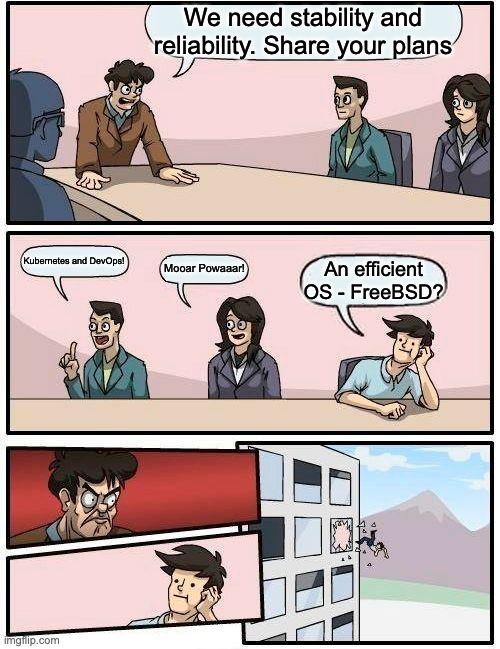
This one beats them all and it’s going to make me laugh until tonight:
“I’ve been assigned to carry out a penetration test on a server you manage. The test will be performed from the outside, since the perimeter security needs to be assessed. In order to perform the test, I therefore ask you to disable any firewall, protection, blacklist. If any of these are in place, the server might not be reachable and could prevent the assessment.”
I had to read it three times just to make sure I’d understood it properly.
Why I (still) love Linux
I usually publish articles about how much I love the BSDs or illumos distributions, but today I want to talk about Linux (or, better, GNU/Linux) and why, despite everything, it still holds a place in my heart.
https://it-notes.dragas.net/2025/11/24/why-i-still-love-linux/
#Linux #OwnYourData #Server #SysAdmin #Workstation #OpenSource #ITNotes

https://it-notes.dragas.net/2025/11/24/why-i-still-love-linux/
#ITNotes #NoteHUB #linux #ownyourdata #server #sysadmin
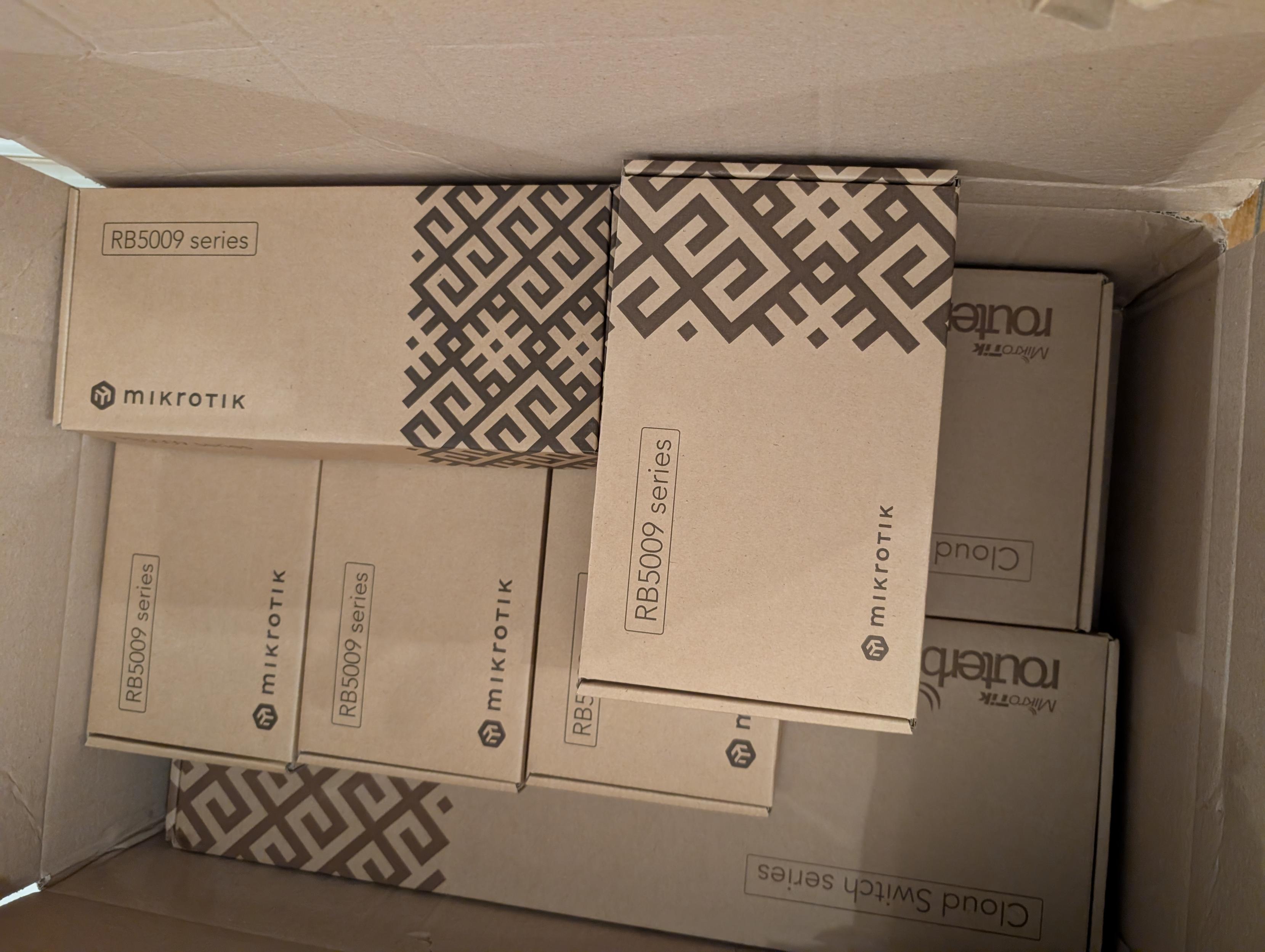
Just got back from the local @mikrotik distributor with a load of "toys" for a new job for a client.
The next few days are going to be fun!

https://phanpy.social/#/hachyderm.io/s/115891592999188880
Stop opening huge files in screen editors.
Screen editors (nvi, vim, etc.) assume you want to scroll,
see context, and move a cursor interactively.
Huge files break those assumptions.
For large files (1GB+):
Inspect: head, tail, grep
Understand structure: awk, sed -n (stream, don’t load)
Surgical changes: ed or sed
Benchmark (1GB text file):
nvi -> 20.1s (eager line indexing ~25M lines)
vim -> 7.7s (lazy loading, deferred UI cost)
ed -> 4.0s (I/O-bound buffering, no TUI overhead)
Large files don’t need better editors.
They need better workflows.
For huge files, the right solution is not tuning nvi,
but using the right tools:
shell for inspection, ed for known changes,
and nvi when interactive rewriting is actually needed.
PS:
nvi chooses predictability over perceived speed.
The slowdown is not a flaw — it’s the cost of correctness
within a screen-editor model.
#vim #vi #ed #unix #linux #sysadmin
https://phanpy.social/#/hachyderm.io/s/115891592999188880
Stop opening huge files in screen editors.
Screen editors (nvi, vim, etc.) assume you want to scroll,
see context, and move a cursor interactively.
Huge files break those assumptions.
For large files (1GB+):
Inspect: head, tail, grep
Understand structure: awk, sed -n (stream, don’t load)
Surgical changes: ed or sed
Benchmark (1GB text file):
nvi -> 20.1s (eager line indexing ~25M lines)
vim -> 7.7s (lazy loading, deferred UI cost)
ed -> 4.0s (I/O-bound buffering, no TUI overhead)
They need better workflows.
For huge files, the right solution is not tuning screen editors,
but using the right tools:
shell tools for inspection
ed for known, surgical changes
screen editors when interactive rewriting is actually needed
nvi chooses predictability over perceived speed.
The slowdown is not a flaw — it’s the cost of preserving
classic vi semantics within a screen-editor model.
#vim #nvi #ed #unix #linux #cli #sysadmin